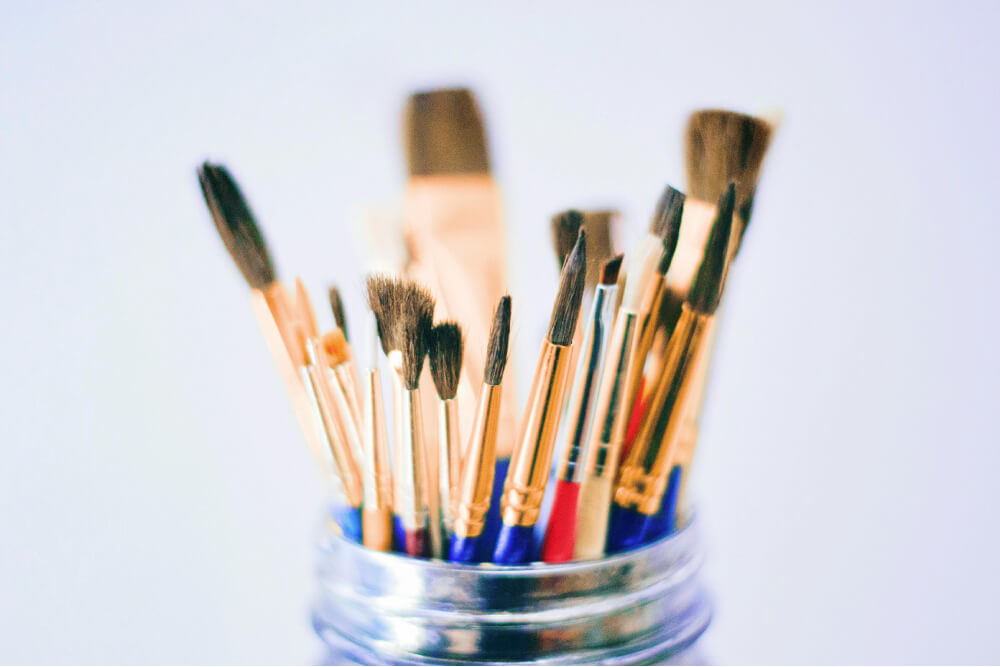
Digital brushes are the heart of modern illustration, offering endless possibilities for texture, depth, and expression. Over my seven years as a graphic artist, I’ve explored countless tools to create vibrant, emotive artwork.
Why Digital Brushes Matter
Unlike traditional brushes, digital brushes allow for precise control and infinite experimentation without wasting materials. They can mimic anything from watercolor to charcoal, making them essential for artists who blend surreal and abstract styles.
- Versatility: Switch between styles instantly, from soft airbrushes to gritty textures.
- Customization: Adjust size, opacity, and flow to suit your vision.
- Efficiency: Undo mistakes or layer effects without starting over.
My Top 5 Tips for Choosing Brushes
- Start with Defaults: Most software like Procreate or Photoshop includes solid default brushes. Master these before investing in custom sets.
- Match Your Style: Choose brushes that align with your aesthetic — soft for dreamy illustrations, textured for bold abstracts.
- Test for Responsiveness: Ensure brushes react well to pressure and tilt for natural strokes.
- Organize Your Library: Group brushes by purpose (shading, detailing) to streamline your workflow.
- Experiment Regularly: Try new brushes monthly to keep your work fresh.
“A good brush doesn’t make the artist, but it can amplify their voice.” — Tom Klein
Applying Brushes in Practice
For my “Neon Glow Artwork” piece, I used a mix of soft airbrushes for glowing backgrounds and textured chalk brushes for foreground details. The contrast created a dynamic, immersive effect.
The key was layering — each brush served a purpose, building the piece step by step.